CAD Modeling & Laser Cutting
Laser Cut Boxes
I made a box using the laser cutter.
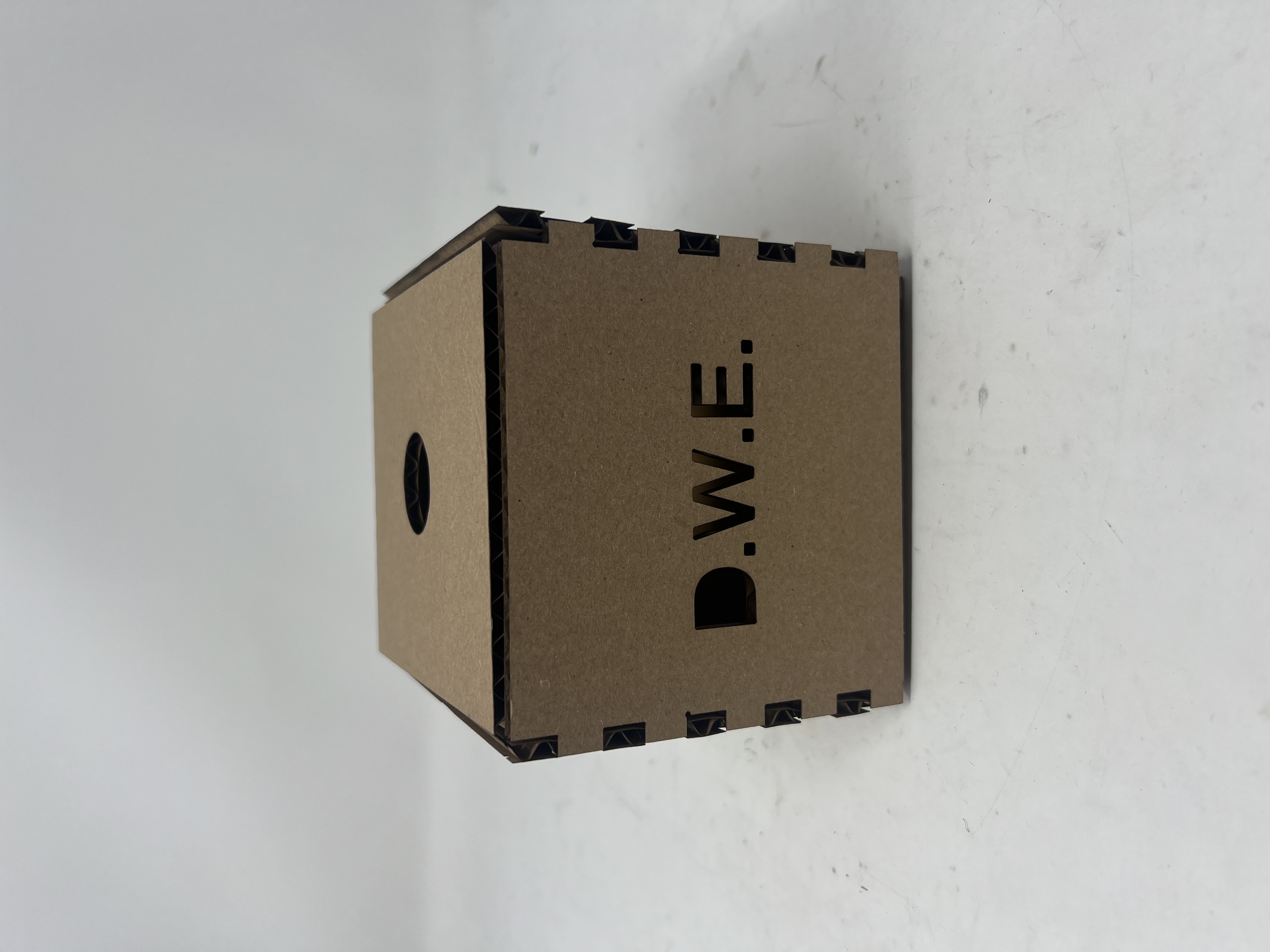
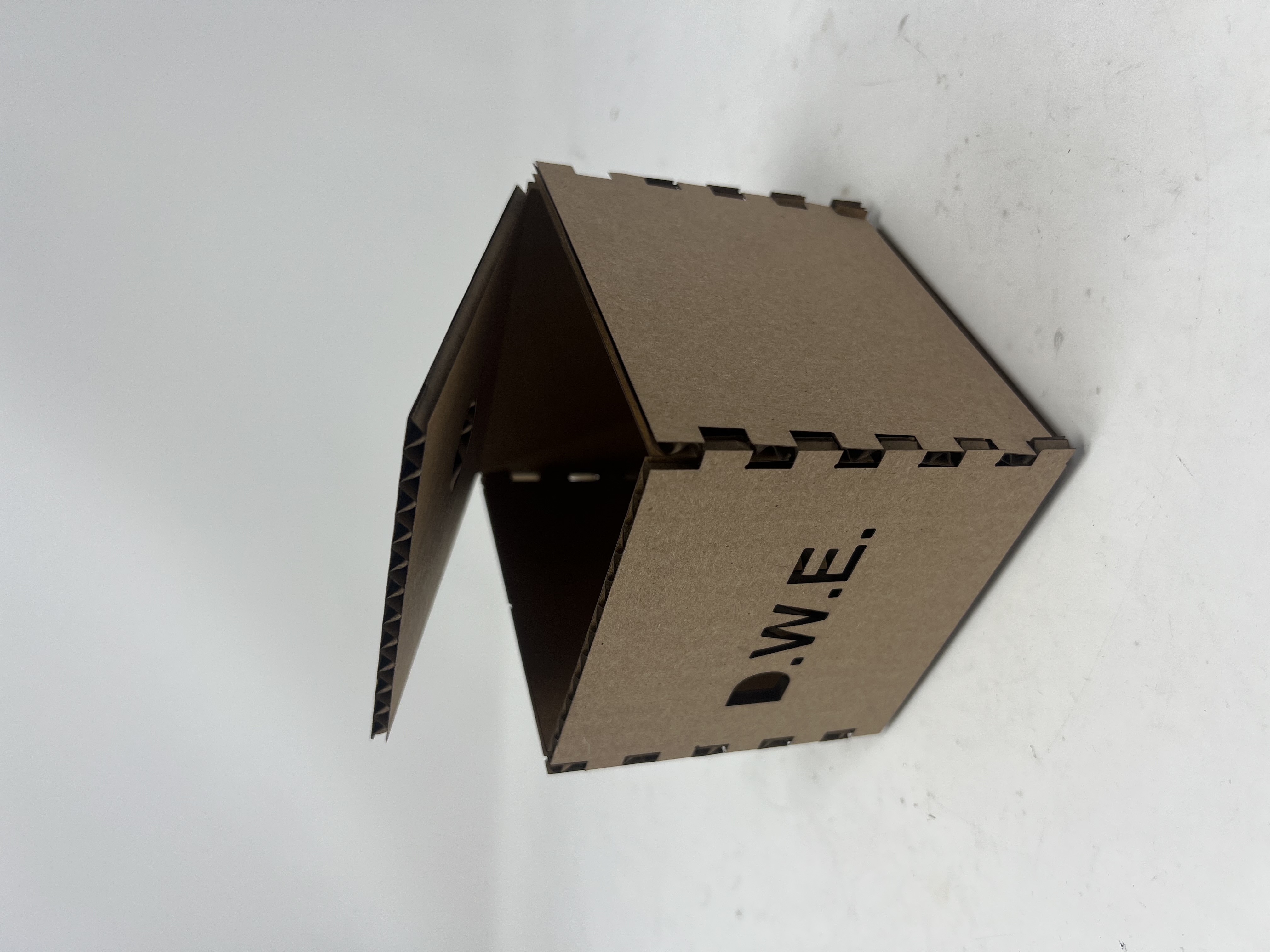
Design Files
Download the Fusion 360 design file for the laser cut box.
Download Fusion 360 File (.f3d)LEGO Stone - Fusion 360 Model
A LEGO stone modeled in Fusion 360, following this LEGO modeling tutorial.
Interactive 3D Model
Click and drag to rotate • Scroll to zoom • Right-click and drag to pan
Documentation
Design Files
Download the Fusion 360 design file to explore the LEGO stone model.
Download Fusion 360 File (.f3d)Household Items - Fusion 360 Models
I made two items: one bottle container and one bottle cap.
Interactive 3D Model
Click and drag to rotate • Scroll to zoom • Right-click and drag to pan
Video Demonstration
Video Walkthrough
Step-by-Step Documentation
Note: The model is at a scale of 1:10
1Create the Bottle Body Base
Sketch a circle with radius R=4.5mm, then extrude it 28mm to form the main body of the bottle.
2Shell and Add Upper Body
Shell out the body with 0.5mm thickness. Add the narrower upper part of the body with R=3.5mm and shell thickness of 0.5mm.
3Connect Body Sections
Draw a smooth surface connecting the two body sections and rotate it around the Z-axis. Smoothen out the upper part of the bottleneck and extend it slightly by 1mm.
4Add Bottom Structure
Add structure to the bottom of the bottle using concentric circles (R=3.5mm and R=1.5mm). Extrude and connect them. Finally, smoothen all remaining edges with R=1mm.
5Create the Bottle Cap Base
Start with a circle (R=3.5mm) and a smaller concentric circle (R=3mm). Extrude the annulus 2mm to form the cap base.
6Add Narrow Cap Section
Add the narrow part of the bottle cap by extruding an annulus of concentric circles (R=1.5mm and R=1mm).
7Connect Cap Sections
Connect the wide and narrow extruded annuli with a new surface and round the edges with R=1mm.
8Add Band Attachment Hooks
Construct the tangent plane on one side of the narrow part of the cap. Draw a sketch of circles and extrude inward (R=1mm, R=1.5mm, extrusion=0.5mm). Round edges with R=0.5mm, then mirror this to the other side of the cap.
9Create the Band
Create a sketch of a curve connecting the two band handles. Make an inset version of this curve (0.15mm) and extrude symmetrically in both directions (0.5mm).
10Define Components and Joint
Define each of the two parts (bottle body and cap) as separate components in Fusion 360. Create a joint that allows translating the cap up and down relative to the bottle (range=2mm).
Design Files
Download the Fusion 360 design file to explore the model yourself.
Download Fusion 360 File (.f3d)